
Setup Instructions
Follow these steps to get Calabash up and running on Azure
1
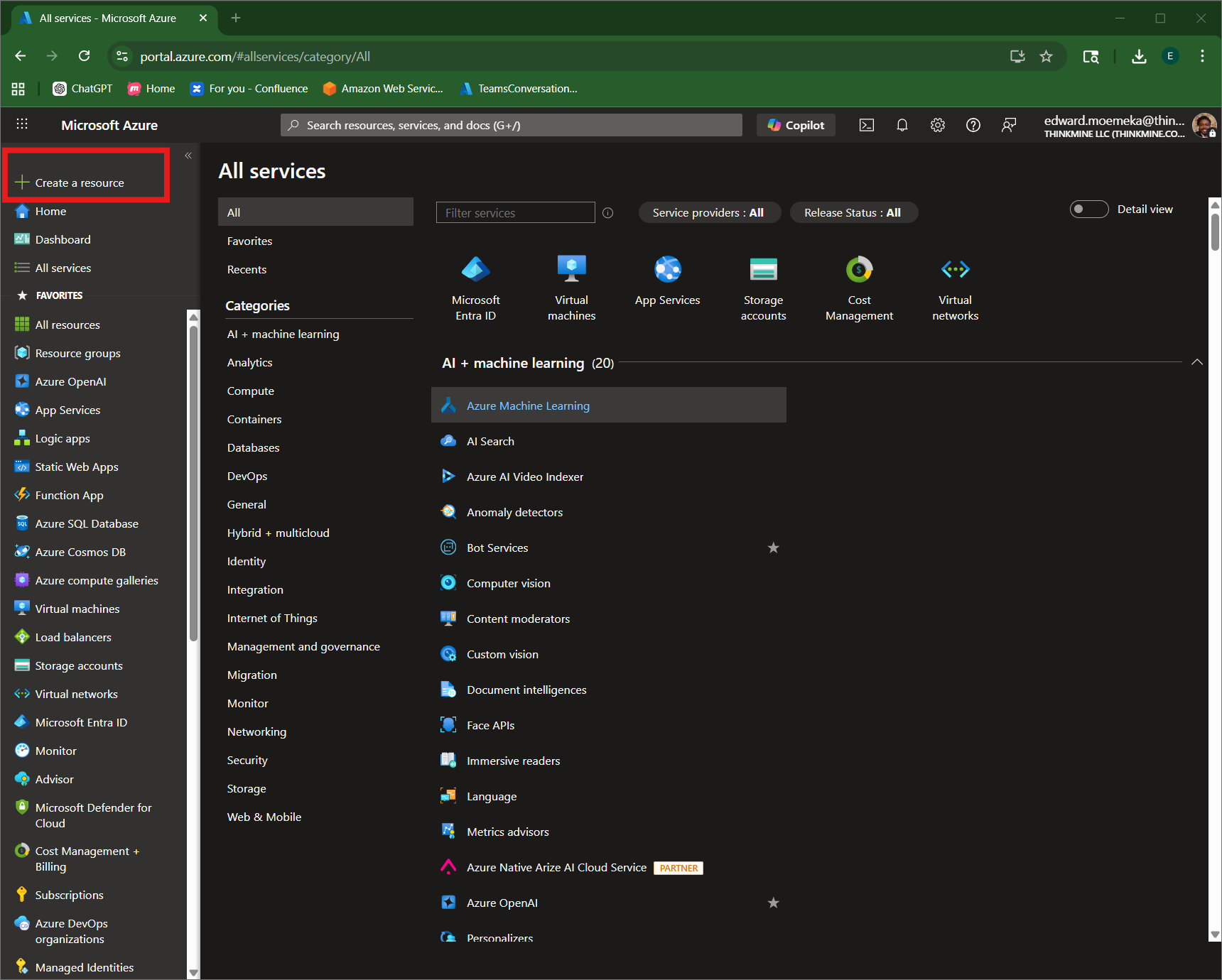
Sign in to Azure Portal
Navigate to portal.azure.com and sign in with your portal credentials.
Click on the Create a resource button as shown in the image.
2
Search for Calabash
3
Create Calabash Resource
4
Configure VM Settings
5
Deploy Calabash
6
Navigate to Resource
7
Connect to Your VM
8
Complete Windows Setup
9
Create Root Profile
10
Sign In to Calabash